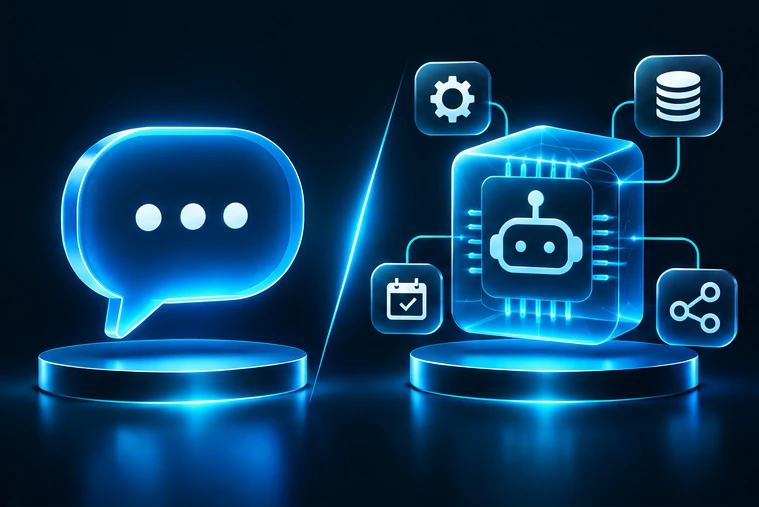

AI agents can help businesses handle tasks that require more than simple rules. They can interpret customer messages, organize information and interact with connected systems.
But an AI model alone cannot manage an entire business process reliably. It needs access to the right tools, clear instructions and a way to handle errors.
Platforms such as n8n, Make and Zapier can help connect AI capabilities with the applications your business already uses.
The right platform depends on what your AI agent needs to accomplish.
1. Define the job before building an AI agent
An AI agent should have a clear purpose.
For example, you might want to categorize customer inquiries, extract information from documents or prepare CRM updates.
Start by describing the task and identifying which parts require AI.
If a process only needs to move information from one application to another, conventional automation may be enough.
AI becomes useful when the system needs to interpret less structured information, such as written inquiries, emails or documents.
Avoid adding autonomous decision-making to processes that work perfectly well with fixed rules.
2. Use n8n when you need technical flexibility
n8n provides tools for building AI-powered workflows alongside traditional automation.
Developers can connect AI models with APIs, databases and other business applications. The platform also supports agent-oriented workflows that can use selected tools.
For example, an AI workflow could receive an inquiry, identify the requested service, check a CRM and prepare a follow-up task.
n8n is particularly useful when the project requires custom processing or integrations that are not available through standard application connectors.
However, advanced implementations may require development expertise, monitoring and ongoing maintenance.
3. Consider Make for visual AI workflows
Make allows teams to organize workflow steps through a visual scenario builder.
It can combine AI-powered processing with filters, routers and conventional application actions.
Imagine receiving customer emails that need to be categorized before reaching different departments.
An AI step could interpret each message, while predefined routing rules determine where the request should go.
This approach gives AI a specific responsibility without allowing it to control the entire process.
Make also provides AI agent capabilities, making it relevant for more dynamic automation requirements.
Its visual structure can help teams understand how different parts of an AI workflow connect.
4. Explore Zapier for accessible AI integrations
Zapier is useful for businesses that want to add AI capabilities to familiar applications without developing an entire system from scratch.
AI by Zapier allows users to include AI processing in automated workflows, including tool-based capabilities.
For example, a website submission could trigger an AI step that extracts project requirements and organizes them into structured fields.
The workflow could then create a CRM record and notify the relevant team.
Zapier is often convenient for straightforward business applications, although complicated agent behavior may need additional planning and testing.
5. Build safeguards into every AI workflow
An AI agent should not be trusted to perform unrestricted actions just because it can access an application.
AI-generated information may be incomplete or incorrect. External APIs can also fail or return unexpected results.
Before allowing an AI workflow to update business records or communicate with customers, define its permissions.
Validate important information, log relevant actions and require human approval for sensitive operations.
For example, an AI agent may prepare a customer response, but an employee can review it before sending.
These safeguards help make automation more predictable and easier to maintain.
Start with a useful workflow, not a complicated system
The best AI automation platform depends on your technical requirements and existing applications.
n8n offers strong developer flexibility. Make provides visual control over workflows. Zapier makes many AI-enabled application connections more accessible.
Rather than building a large AI agent immediately, begin with one process that has a clear outcome.
Test its accuracy, understand its limitations and expand only when the workflow proves useful.
Ready to explore AI automation for your business?
Algorithm Zero helps businesses connect AI-powered processes with CRMs, websites, databases and other applications.
Whether you need intelligent inquiry routing, document processing or custom integrations, we can help design a solution around your business requirements.